LeNa’vi Table #lena’vi #conlang
Expected solvable difficulty
nohint+: experienced solverskeywords+: most solvers
Level design
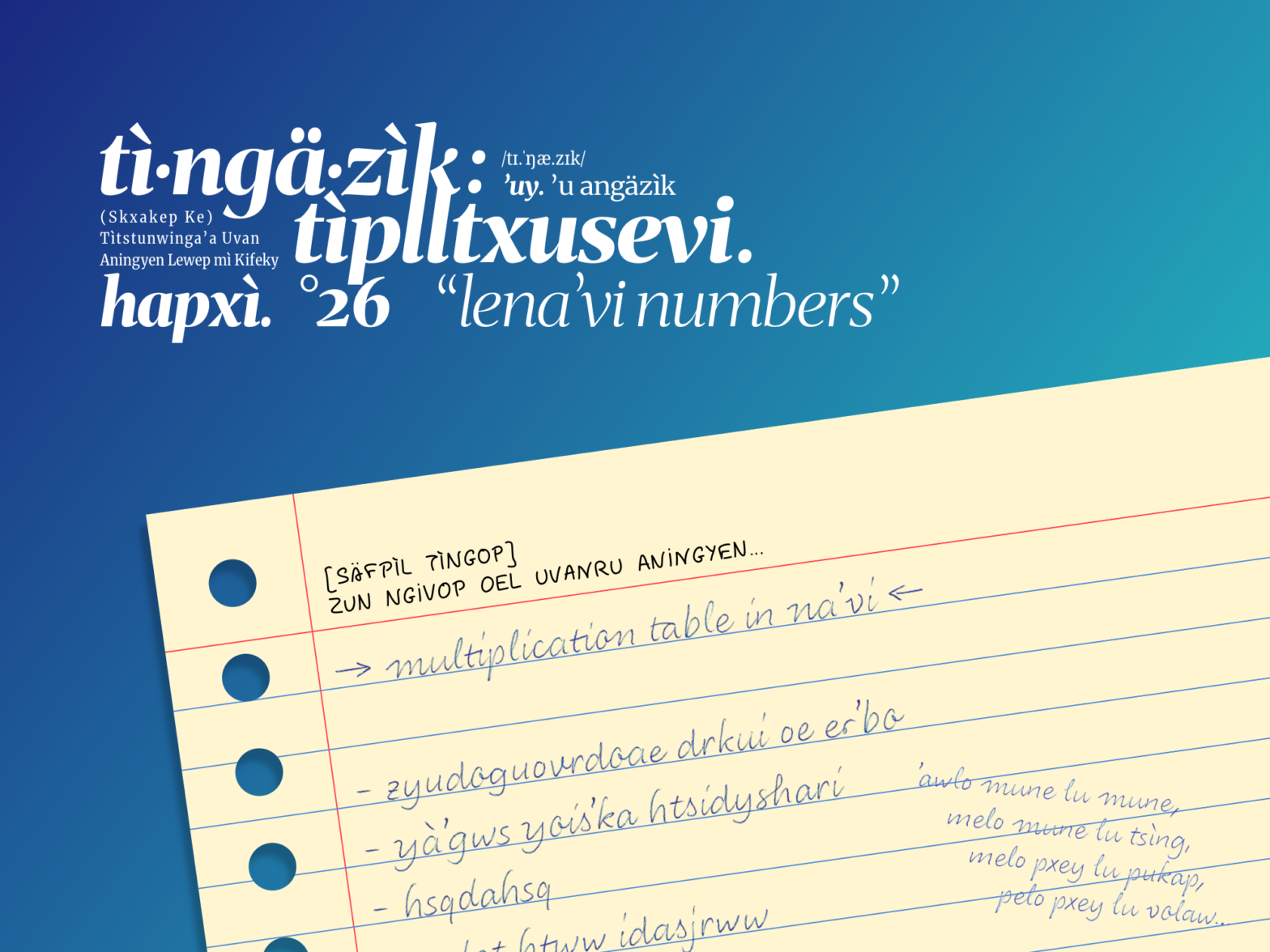
Following the trilogy of Pokémon, we have another trilogy of constructed languages, starting with Lì’fya leNa’vi, the language used in James Cameron’s Avatar, and title of this puzzle game. In the question, we have a table of 8×8, with the first row and column being their title. What does it look like? Yes, a multiplication table.
The reason why I chose Na’vi for this question is not just because it’s being used in the game title, there is another interesting feature of it – that is – Na’vi is designed to have a octal number system, so a multiplication table would have a different shape from the decimal ones that we are more familiar with.
As some of the challengers might have noticed, all block-level contents are labelled properly with their languages. These tables are not an exception. All four tables are labelled with lang="08n" as a hint for the language used in the table.
Unfortunately, there is not a single word for “multiply” in Na’vi, so alo is used here instead which means “time” (as in first time, each time).
Expected thought process
Figure out this is a multiplication table in Na’vi by:
- discover the table is written in Na’vi by:
- (
nohint+) looking for the language notation of the table, - (
3samples) look up the words used in the revealed part of the table, or - (
keywords+) find the keywords for the question.
- (
- then discover the table is a multiplication table by:
- (
nohint+) looking at the shape of the table, and look up for the meaning of the word alo, - (
3samples) translate words in the table and observe the pattern, or - (
keywords+) again find the keywords.
- (
Then calculate the answer for the question mark cell, and translate it to Na’vi.
Leave a Reply